The TickTick Course

By Joseph Mavericks

Hi, I’m Joseph Mavericks. Within the last 2 years, I wrote 250 blogposts, built my own business, interviewed 75+ productivity experts… I could have never done all of this without my favorite productivity tool: Ticktick. Here is how I use it and work with it.

Contents: 8 video modules

1. Intro & Overall Interface

All the features included in Ticktick + the key areas of the interface and how I use them (split in 2 videos).

2. Creating & Editing Tasks

How to create a strong foundation for productivity through task creation and editing.

3. Lists, Filters

Creating and editing tasks is nice, but it's not enough. Organizing and structuring them is key to long-term momentum.

4. Arranging & Organizing Tasks

In this section we reinforce our learnings from Module 3 and learn to work with the calendar view + the most powerful feature of Ticktick.

5. Kanban Boards

Kanban boards are a very popular project management system, and Ticktick supports them natively.

6. Minimized View

Ticktick comes with functionalities always a click away, no matter what program you are using on your device.

7. Habits

Habits are the core of a productive routine, and Ticktick has a great built-in feature to track them.

8. Recap

Recap of my favorite features + links to more of my downloadable content

What you will learn

An introduction to Ticktick. In the introduction module, you will learn about 99% of the features included in the tool and will get a quick overview of each of them.

Real-life use case. I'll share with you how I use the tool in my daily life, and how I pair it with my favorite weekly time management technique (168 hours). I believe showing you a real-life use case of the tool is the best way to give you inspiration on how to use it in your life. I do not use Ticktick on my phone and manage 99% of my workflow on my laptop.

I do not exhaustively cover all the features of the tool. I only get into the details of the features I use the most (around 50% of them in total). Again, the goal is to give you inspiration and ideas to adapt the tool to your needs, your goals, and your framework. This is not a course on how to use Ticktick, this is a foundation for inspiration. Take what you need, leave out what you don't want.

Want more?

Productivity tips

All along the course, I share with you my best tips on productivity and how I apply them in the app

Personal follow-up

I reach out to you via e-mail once a week for 3 weeks after you purchased the course

Premium trial

Get access to Ticktick Premium for a month with a one-time use code you'll get via email

The Author

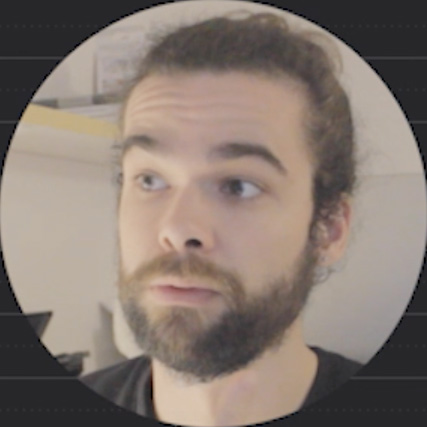
That's me, Joseph Mavericks! In August of 2019, I took one of the biggest decisions in my life: commit to blogging for at least 6 months, and see where it would take me. Up until then, I had only tried dozens of different things, without ever sticking with one. This time around, I decided to treat blogging like a job, to be extremely consistent, and to not drop it at the first obstacle on the road.

Before I knew it, my blog became the foundation for a massive life change. All along the way, I discovered not only how to be more productive, disciplined, and motivated. I also started to work on my mindfulness, my empathy, my vision of the world...

This course is about how TickTick helped me structure my workflow, keep track of my tasks, and finally catch up on my overdue items.


Get instant lifetime access

The TickTick Course

© 2026 Joseph Mavericks - Privacy policy

You're all set!

Thanks so much for your interest in my content! You will receive a confirmation email with all the information needed to download you freebie within a few minutes.

See you around!